
Selectable signals
Trend mode follows a direction change in Calibrated ATR or experimental Low-pass. Reversal mode marks RSI(14) crossing back above 30 or below 70. Signals require a closed chart bar.
Trend or reversal signals, price-context curves and a directional dashboard in one chart workflow. Use it to review the chart while keeping execution and risk decisions in your own hands.
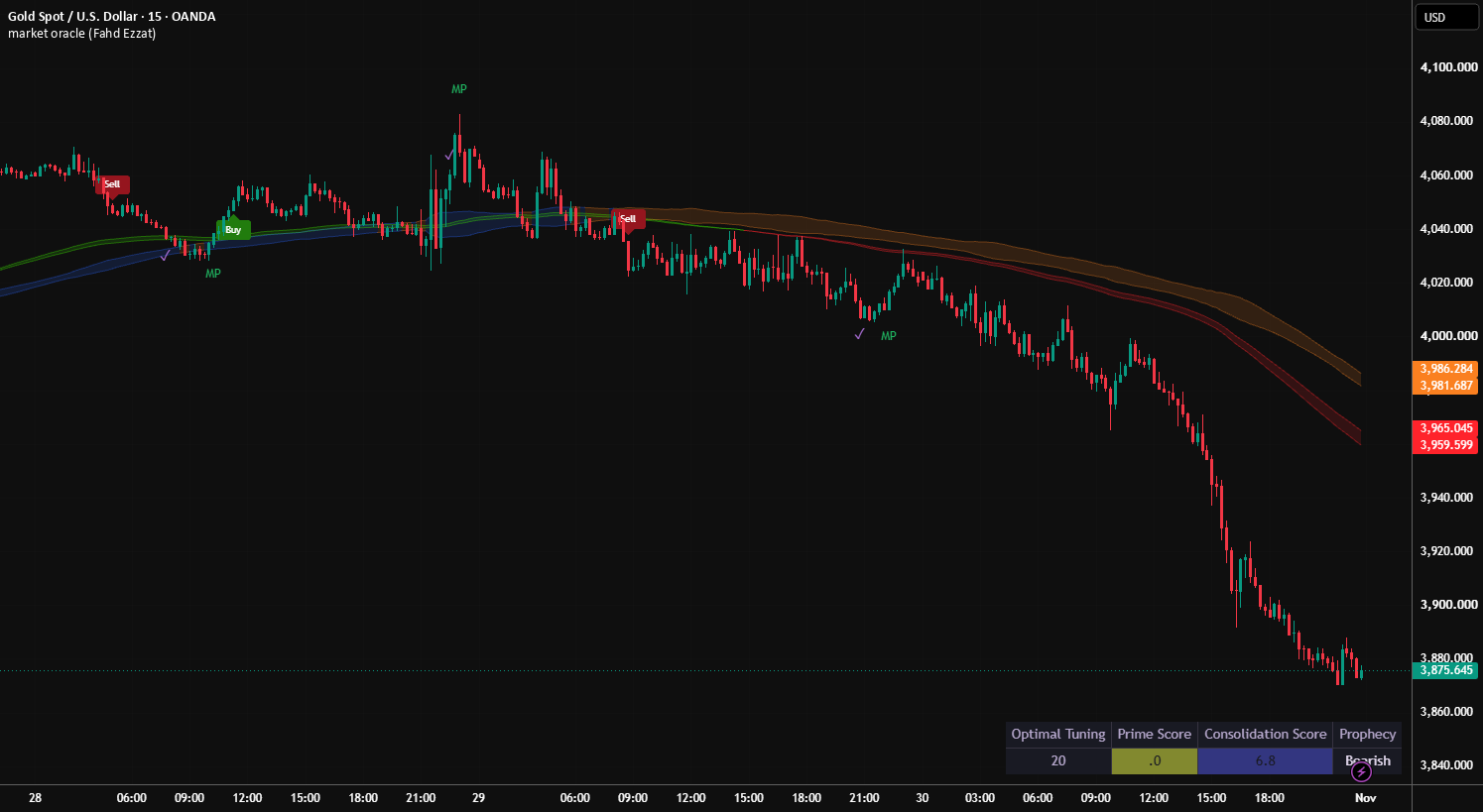
Trend mode follows a direction change in Calibrated ATR or experimental Low-pass. Reversal mode marks RSI(14) crossing back above 30 or below 70. Signals require a closed chart bar.
Dynamic Reactor and Prime Trend Assistant provide separate price references. Despite its name, the Volume Reactor ribbon uses price and range, not traded volume; the separate MTF Volume option uses VWMA.
Multiple-timeframe votes inform the dashboard and do not gate signals. Prime Score is directional, not a success probability. Prophecy describes the current score; it is not a forecast.
Close-based reference markers after a signal, not executed trades or the highest future profit. They exclude trading costs, stop execution and position sizing.
Create Buy, Sell, strong-logic, TP and MP alerts separately in TradingView, preferably Once Per Bar Close. Adding the indicator does not create alerts.
Curves and the dashboard can change during an open bar. Changing settings, symbol, timeframe or data feed can change displayed history. Smoothing and higher-timeframe confirmation add lag; Trend mode can whipsaw in ranges. The indicator places no orders, produces no strategy backtest and guarantees no results.
Read the published TradingView description, then contact me for current access terms and activation details.